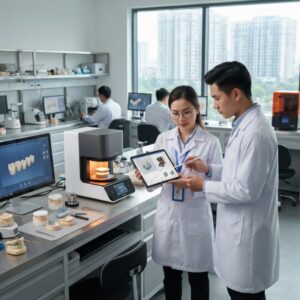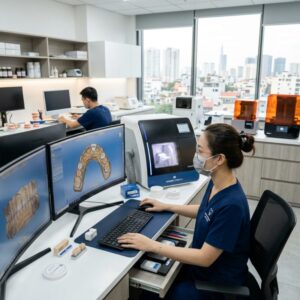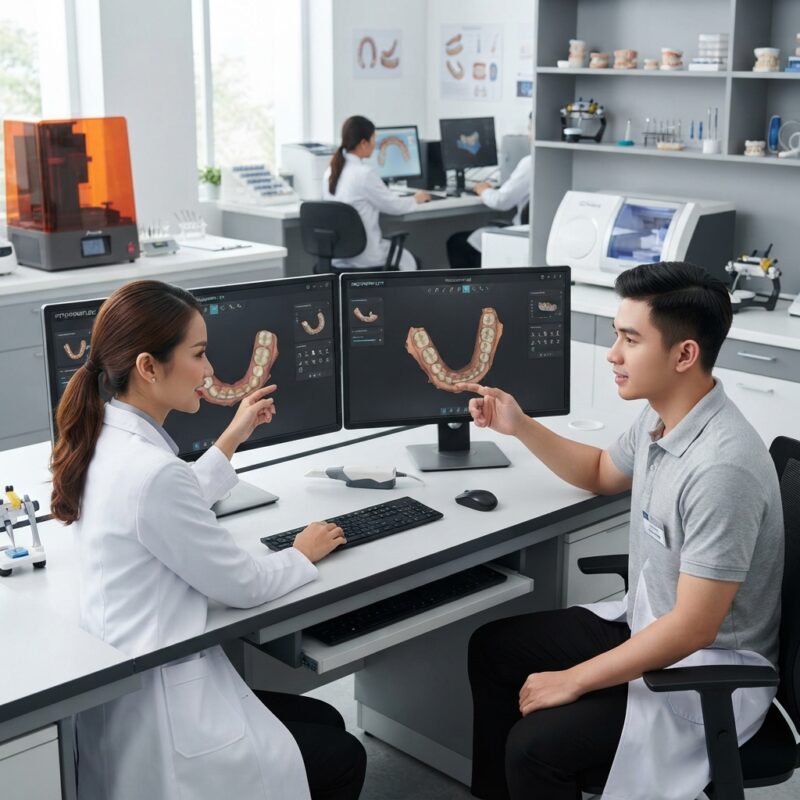
Introduction to iTero vs TRIOS: Which Scanner Has the Better Workflow for Labs 2026?
Choosing the right intraoral scanner is crucial for dental labs and dental service organizations (DSOs) aiming to optimize their digital workflows. The debate around iTero vs TRIOS: which scanner has the better workflow for labs 2026 is highly relevant as both systems have evolved significantly, with distinct strengths catering to different lab needs. This article provides an in-depth comparison to help labs decide which scanner integrates best into their CAD/CAM digital design outsourcing processes, especially for crown & bridge, implants, surgical guides, dentures, orthodontic aligners, and night guards.
What Are the Key Features of iTero and TRIOS Scanners?
The iTero scanner from Align Technology and the TRIOS scanner from 3Shape are two of the most widely used digital impression systems in dentistry. Both scanners offer high-accuracy digital impression capture, but their workflows, software ecosystems, and integration options differ significantly.
- iTero: Known for its seamless integration with Invisalign and Itero software, iTero emphasizes streamlined orthodontic workflows and open systems for restorative applications.
- TRIOS: Developed by 3Shape, TRIOS offers a robust open architecture with advanced shade detection and real-time visualization, favored by many labs for its flexible export options and comprehensive software suite.
Understanding these features is essential when assessing iTero vs TRIOS: which scanner has the better workflow for labs 2026.
How Does the Workflow of iTero Compare to TRIOS in a Dental Lab Setting?
The workflow impact of a scanner in a dental lab environment depends on data transfer speed, software compatibility, and ease of communication between the clinic and lab. The answer is that TRIOS generally offers a more flexible workflow for labs handling diverse cases, while iTero excels in orthodontic-focused labs and DSOs.
TRIOS scanners provide STL, OBJ, and PLY file exports with ease, facilitating smooth import into various CAD design software such as exocad and 3Shape Dental System. iTero primarily uses proprietary formats but has improved open file compatibility recently. This distinction affects turnaround times and digital design outsourcing efficiency.
What Are the Total Cost of Ownership Differences Between iTero and TRIOS?
Total cost of ownership (TCO) includes initial investment, software licenses, maintenance, and training. When deciding iTero vs TRIOS: which scanner has the better workflow for labs 2026, consider these indicative figures:
- iTero: Typically higher upfront cost, with bundled Invisalign integration. Software updates are included, but additional CAD software may require separate licenses.
- TRIOS: Competitive initial investment with modular software options. Labs can scale software features based on needs, potentially reducing recurring fees.
Both companies offer service contracts; costs vary by region and vendor. Labs should verify current pricing directly from iTero or 3Shape.
Which Scanner Supports Better Integration with Dental Lab CAD/CAM Systems?
Integration with CAD/CAM software is critical to ensure seamless design and fabrication. TRIOS generally leads in this area due to its open platform philosophy, allowing for direct export to multiple CAD software and milling machines from manufacturers like Roland DG and Amann Girrbach.
iTero has made strides in opening file formats but still offers a more closed ecosystem, optimized for workflows using Align Technology products. Labs relying on multi-brand equipment might find TRIOS more adaptable.
How Do iTero and TRIOS Perform in Capturing Complex Cases?
For labs focusing on implants, surgical guides, or full-arch dentures, accuracy and scan completeness are paramount. Both scanners provide high-resolution imaging, but TRIOS has an edge with its advanced shade matching and real-time feedback features, which reduce rescans and improve case acceptance rates.
iTero’s strength lies in orthodontic scans and crown & bridge cases, where its speed and alignment with Invisalign workflows save time. These factors influence the decision when comparing iTero vs TRIOS: which scanner has the better workflow for labs 2026.
What Are the User Experience and Training Requirements for Each Scanner?
The user interface and training requirements directly impact clinic and lab adoption. iTero offers an intuitive touchscreen interface that many users find easy to learn, especially for orthodontic practices. TRIOS provides more customizable options and advanced features that may require longer initial training but offer greater flexibility.
Labs working with multiple clinics may prioritize TRIOS for its adaptability, while DSOs focused on high-volume orthodontics might prefer iTero’s user-friendly design.
Comparison Table: iTero vs TRIOS Workflow Factors for Labs 2026
| Criteria | iTero | TRIOS | Best For |
|---|---|---|---|
| File Format Compatibility | Proprietary with recent STL support | Open formats (STL, OBJ, PLY) | Open CAD/CAM workflows |
| Integration with CAD Software | Best with Align products | Supports multiple CAD platforms | Multi-vendor lab environments |
| Scan Accuracy | Excellent for crowns & bridges | High precision, especially for implants | Complex restorative cases |
| User Interface | Intuitive and simple | Feature-rich and customizable | Flexible user needs |
| Cost of Ownership | Higher upfront, bundled software | Modular pricing, scalable | Budget-conscious labs |
Which Scanner Is Better for High-Volume Dental Labs and DSOs?
For high-volume labs and DSOs, workflow efficiency, integration, and cost control are paramount. The answer to iTero vs TRIOS: which scanner has the better workflow for labs 2026 in this segment is typically TRIOS, due to its flexible software ecosystem and open file system that supports diverse CAD/CAM equipment.
- Best For: Large labs and DSOs managing multiple clinics and case types.
- Strengths: Scalability, multi-vendor integration, robust data management.
- Limitations: Slightly steeper learning curve, requires more training.
Which Scanner Suits Smaller Labs or Single-Dentist Practices?
Smaller labs or single-dentist practices often prioritize ease of use and fast setup. In the debate of iTero vs TRIOS: which scanner has the better workflow for labs 2026, iTero’s plug-and-play functionality and optimized orthodontic workflows appeal to smaller operations with less technical support.
- Best For: Small labs, orthodontic-focused practices.
- Strengths: User-friendly interface, quick onboarding.
- Limitations: Less open architecture, limited advanced features.
How Do Both Scanners Support Outsourcing Digital Design Services?
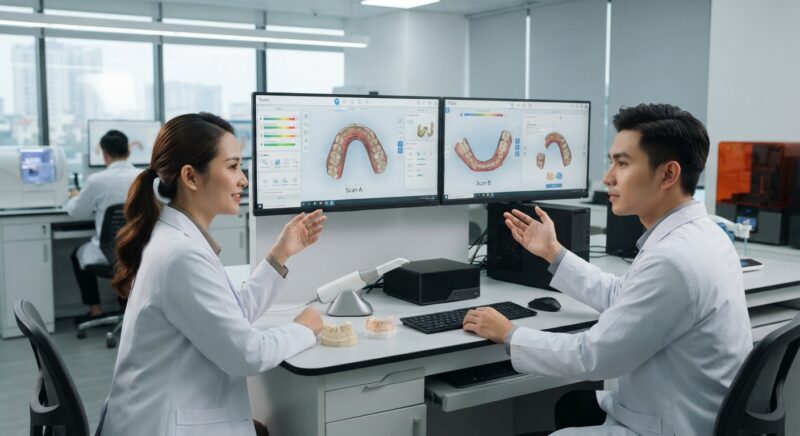
Outsourcing CAD/CAM design services is increasingly common for labs and clinics wanting to optimize efficiency without expanding staff. Both iTero and TRIOS scanners produce digital files suitable for external design labs, but TRIOS’s open file formats simplify data transfer and reduce conversion errors.
This flexibility is critical when coordinating with specialist design partners who handle crown & bridge, implant cases, surgical guides, and orthodontic appliances. Outsourced design also works well alongside surgical guide design services, enhancing lab turnaround and quality control.
What Are the Security and Data Management Considerations?
Data security and management impact compliance and patient confidentiality. iTero benefits from Align Technology’s secure cloud platform designed for orthodontic and restorative cases, offering HIPAA-compliant storage and transmission.
TRIOS also supports encrypted data transfer and offers flexible cloud or local storage options, which labs can tailor based on IT policies. The choice affects workflow continuity and risk management for labs evaluating iTero vs TRIOS: which scanner has the better workflow for labs 2026.
Do Scanner Software Updates Affect Workflow Efficiency?
Software updates can enhance scanner capabilities but may also introduce downtime. Both iTero and TRIOS provide regular updates that improve scanning accuracy, speed, and integration.
iTero typically bundles updates with its subscription, minimizing unexpected costs. TRIOS offers modular updates allowing labs to tailor features but requiring more active management. Staying current ensures compatibility with CAD design outsourcing platforms and milling or printing hardware, a key factor in the ongoing iTero vs TRIOS: which scanner has the better workflow for labs 2026 discussion.
Do You Need Design Capacity for Your New Equipment?
If your lab or clinic invests in iTero or TRIOS scanners but lacks in-house CAD design expertise, outsourcing digital design services can be a game-changer. Our expert CAD/CAM teams deliver high-quality crown & bridge, implant, denture, orthodontic aligner, and night guard designs, letting you maximize milling or 3D printing capacity without hiring full-time designers. This approach reduces overhead and accelerates case turnaround.
Implementing a New Scanner: Step-by-Step Integration Guide for Dental Labs
Transitioning to a new intraoral scanner like iTero or TRIOS involves more than just purchasing the device. Successful integration into your dental lab workflow requires careful planning, staff training, and process adjustments. Here’s a practical step-by-step guide tailored to dental labs and DSOs aiming to upgrade their scanning technology efficiently.
Step 1: Assess Your Current Workflow and Identify Gaps
- Map existing scanning processes: Document how current scans are received, processed, and integrated with CAD/CAM software.
- Identify bottlenecks: Are scan quality issues causing remakes? Is turnaround time longer than desired?
- Determine lab requirements: Volume of cases, complexity of cases (e.g., implants, dentures), and preferred digital design software.
Step 2: Choose the Scanner Based on Workflow Needs
- Match scanner features with lab demands: For example, TRIOS might offer superior color scanning for shade matching, while iTero may excel in orthodontics.
- Consider compatibility with lab CAD/CAM systems and outsourcing partners.
- Evaluate total cost of ownership, including consumables and maintenance.
Step 3: Develop a Training Plan for Your Team
- Schedule hands-on sessions with manufacturer representatives.
- Create internal training materials focusing on scanner operation, troubleshooting, and data transfer protocols.
- Designate “super users” within your team to champion adoption and provide peer support.
Step 4: Pilot the Scanner with Select Cases
- Run a pilot phase with straightforward cases to minimize risk.
- Collect feedback on scan quality, ease of use, and workflow integration.
- Adjust protocols based on pilot outcomes, including scan settings and data handling.
Step 5: Full Deployment and Continuous Improvement
- Roll out the scanner lab-wide or across multiple locations in a phased manner.
- Implement regular quality audits of scan data and design outcomes.
- Maintain ongoing training updates aligned with software upgrades and new features.
By following this structured approach, dental labs can minimize disruptions, maximize scanner ROI, and improve case quality from day one.
Common Mistakes to Avoid When Integrating Intraoral Scanners in Dental Labs
Even with the best scanners like iTero and TRIOS, dental labs can encounter pitfalls that erode workflow efficiency and impact case quality. Understanding typical mistakes helps labs proactively avoid them.
Overlooking Scanner Compatibility with CAD/CAM Software
Many labs underestimate the importance of seamless integration between the scanner’s proprietary software and their existing CAD/CAM design platforms. This can lead to data loss, increased manual input, or delays in case processing.
- Verify file formats supported (e.g., STL, PLY, OBJ) and confirm compatibility before purchase.
- Test scan data export/import workflows with design software vendors.
Failing to Train Staff Adequately
Insufficient training often results in suboptimal scan quality and increased remakes. Operators unfamiliar with scanner nuances may miss critical scanning angles or fail to capture margins precisely.
- Invest in comprehensive, hands-on training sessions.
- Use checklists to standardize scanning protocols and reduce variability.
Ignoring Maintenance and Calibration Schedules
Neglecting regular maintenance can degrade scanner accuracy and increase downtime.
- Follow manufacturer-recommended cleaning and calibration routines strictly.
- Track maintenance activities in a log for accountability.
Underestimating Data Security Needs
Data breaches or loss of patient information can have severe legal and reputational consequences.
- Ensure scanners and software comply with healthcare data protection regulations (e.g., HIPAA).
- Implement secure network protocols and encrypted data transfers.
Not Planning for Software Updates Impact
Automatic software updates may alter scanner performance or interface, confusing users mid-process.
- Schedule update rollouts during low-volume periods.
- Test updates in a controlled environment before full deployment.
Ignoring Cost of Consumables and Licensing
Scanner hardware is just one part of ownership costs; ongoing expenses for software licenses, cloud storage, and consumables can add up.
- Request a detailed breakdown of recurring costs from vendors.
- Include these in your total cost of ownership analysis to avoid surprises.
Cost vs. Quality Considerations: Balancing Budget and Clinical Outcomes
Dental labs and DSOs must strike a balance between investment costs and the quality of scans delivered by iTero and TRIOS scanners. Both scanners offer premium features, but understanding how cost impacts clinical outcomes is critical for sustainable lab operations.
Initial Purchase Price and Financing Options
iTero and TRIOS scanners differ in upfront costs, with TRIOS often positioned as a premium device with a higher purchase price. Financing options, lease agreements, or subscription models can ease initial expenditures.
Consumables and Licensing Fees
Ongoing costs include subscription fees for software platforms, cloud storage, and replacement tips or scanning sleeves. For example:
- TRIOS: May require annual software subscriptions for advanced features.
- iTero: Charges for scanner tips and possible cloud service fees.
Impact on Case Turnaround Time and Remake Rates
Higher-quality scans reduce the need for physical impressions or re-scanning, which can lower remake rates and speed up delivery. Labs should measure:
- The average number of remakes or adjustments per case before and after scanner adoption.
- Turnaround time improvements quantified in days or hours.
Clinical Outcome Improvements
Better scan accuracy leads to superior prosthetics fit, patient comfort, and fewer post-delivery adjustments. Some labs report:
- Reduction in chairside adjustment times by up to 30%.
- Higher patient satisfaction scores linked to improved prosthesis fit.
Return on Investment (ROI) Analysis
Calculate ROI by comparing scanner costs against savings from reduced material waste, fewer remakes, and increased lab throughput. For example:
- A lab processing 100 crowns monthly may save thousands annually on materials and labor with a high-accuracy scanner.
- Faster turnaround times enable acceptance of more cases, increasing revenue.
Market-Specific Considerations: Adapting Scanner Selection to Your Region and Client Base
Choosing between iTero and TRIOS scanners also depends on market dynamics, regulatory environments, and client expectations that vary by region and practice type.
Regulatory Compliance and Certification
Different countries have varying medical device regulations affecting scanner approval, data privacy, and use in clinical workflows.
- Ensure the scanner complies with local health authority certifications (e.g., FDA in the US, CE in Europe).
- Check for software localization supporting language and regional data security laws.
Client Demographics and Case Complexity
DSOs serving diverse populations may require scanners that excel in specific indications:
- Orthodontic-heavy practices: iTero’s integration with Invisalign workflows can be advantageous.
- Prosthodontics-focused labs: TRIOS’s color scanning and margin detection may offer better results.
Availability of Technical Support and Service Networks
Local availability of technical support, repair services, and training influences scanner uptime and staff competence.
- Choose vendors with strong regional presence and rapid response times.
- Consider remote support capabilities for smaller or geographically dispersed labs.
Pricing Sensitivity and Competitive Landscape
Markets with intense price competition may prioritize scanners with lower total cost of ownership, even if some premium features are sacrificed.
- Evaluate whether the clinical benefits of higher-end models justify incremental costs in your local market.
- Consider bundled offers or multi-unit discounts when purchasing multiple scanners for DSOs.
Emerging Trends Impacting Scanner Use
Trends like tele-dentistry, teledentistry-enabled labs, and digital outsourcing are expanding scanner use cases:
- Scanners with cloud-based data sharing enable faster collaboration between clinics and labs across geographies.
- Artificial intelligence-enhanced scanning and design features are increasingly available, offering competitive advantages.
Practical Cost and Quality Considerations for Dental Labs
When deciding between iTero and TRIOS scanners, dental labs must evaluate more than just the upfront purchase price. It’s essential to consider the total cost of ownership alongside quality outcomes to ensure a sustainable investment.
Initial Investment vs. Long-Term Value
- Scanner Purchase Price: iTero scanners typically have higher initial costs due to their brand positioning and hardware features, while TRIOS offers competitive pricing with flexible financing options.
- Subscription and Software Fees: Both systems require ongoing software licenses or subscriptions. TRIOS often includes cloud storage and software updates bundled, whereas iTero may have tiered service plans affecting cost.
- Maintenance and Repairs: Consider warranty coverage and service contracts. Labs with high case volumes benefit from scanners that minimize downtime through fast repairs or in-house servicing.
- Lab Efficiency Gains: Faster scanning speeds and better integration can reduce turnaround times, indirectly lowering labor costs and improving client satisfaction.
Quality of Scan Data and Impact on Lab Work
- Accuracy and Detail: Higher resolution scans from TRIOS can improve the fit of crowns and bridges, reducing remakes and adjustments.
- Color and Texture Capture: TRIOS scanners offer advanced shade matching and realistic color data, aiding technicians in fabricating esthetic restorations.
- File Formats and Export Options: Labs must confirm that the scanner exports in universally accepted formats like STL, PLY, or proprietary files compatible with their design software.
- Data Consistency: Consistent scan quality reduces variability in case acceptance and ensures predictable outcomes, which is critical for lab reputation.
Real-World Examples: Workflow Optimization Using iTero or TRIOS
Understanding how dental labs and practices optimize their workflows with either scanner in actual settings can provide practical insights.
Case Study 1: A High-Volume Lab Streamlining Implant Workflows
A large dental lab specializing in implant restorations implemented TRIOS scanners across multiple partner clinics. The lab leveraged TRIOS’s open architecture to integrate with their in-house CAD/CAM system, enabling seamless transfer of implant scan bodies and digital impressions. This integration reduced turnaround time by 20%, improved accuracy, and allowed the lab to scale production without increasing headcount.
Case Study 2: Small Practice Partnering With a Local Lab Using iTero
A small dental practice invested in iTero to enhance communication with its preferred dental lab. The practice utilized iTero’s Invisalign integration and remote monitoring features, which allowed the lab to receive high-quality scans immediately after patient visits. This real-time data sharing enabled the lab to begin design immediately, shortening case delivery from two weeks to one week, improving patient satisfaction.
Step-by-Step Guide: Optimizing Communication Between Scanners and Labs
- Step 1: Establish a clear digital workflow agreement outlining scan submission protocols and turnaround expectations.
- Step 2: Configure scanner software to export files in the lab’s preferred format and resolution.
- Step 3: Train clinical staff on proper scanning techniques to reduce rescans and improve data quality.
- Step 4: Use cloud-based platforms or dedicated portals for secure and instant file transfer.
- Step 5: Schedule regular feedback sessions between the lab and practice to address issues and optimize processes.
Market-Specific Considerations: Choosing Scanners Based on Regional and Practice Needs
Market dynamics and regional practice characteristics often influence the choice between iTero and TRIOS scanners.
Regulatory and Compliance Factors
In certain regions, local regulations may mandate specific data handling or device certifications. For example, European Union dental labs must comply with GDPR regulations strictly, making data security features and cloud hosting locations critical. Both iTero and TRIOS offer compliance tools, but labs should verify certifications and compliance documentation relevant to their market.
Practice Type and Treatment Focus
- Orthodontic Practices: iTero’s close integration with Invisalign can be a decisive factor for orthodontists focused on aligner therapy.
- Prosthodontic and Implant-Centered Practices: TRIOS’s advanced implant scanning capabilities and broader compatibility with multi-vendor CAD/CAM systems make it attractive for complex restorative workflows.
- Multi-Location DSOs: Scalability and centralized data management are crucial. TRIOS’s cloud-based platform supports standardized workflows across locations, while iTero’s established user base may offer better vendor support networks.
Geographic Support and Service Networks
Access to timely technical support and training is vital. Labs and practices should consider the availability of local distributors, training centers, and repair facilities. TRIOS, with its widespread presence in Europe and Asia, may offer faster service in those regions, whereas iTero’s extensive network in North America could be advantageous for labs based there.
Checklist for Evaluating Scanner Suitability in Your Lab or Practice
Use this practical checklist to assess which intraoral scanner aligns best with your operational and strategic goals.
- Workflow Compatibility: Does the scanner integrate smoothly with your existing CAD/CAM and design software?
- Scan Accuracy: Are the scanner’s precision and resolution sufficient for your most demanding cases?
- Case Volume Handling: Can the scanner maintain performance and reliability under your expected case load?
- Training and Usability: Is the user interface intuitive, and does the vendor offer comprehensive training resources?
- Data Management: Does the scanner’s cloud or local storage meet your security and accessibility requirements?
- Cost Considerations: Are initial and recurring costs justified by the improvements in efficiency and case quality?
- Customer Support: Is vendor support responsive and accessible in your region?
- Hardware Features: Does the scanner offer features like color scanning, powder-free operation, or handheld mobility that enhance your workflow?
- Regulatory Compliance: Does the scanner comply with all necessary certifications and data protection laws?
- Future-Proofing: Are software updates and hardware upgrades readily available to keep pace with evolving digital dentistry trends?
Contact us today to learn how our dental lab CAD/CAM outsourcing service can integrate with your new scanner workflow and boost your lab’s productivity.